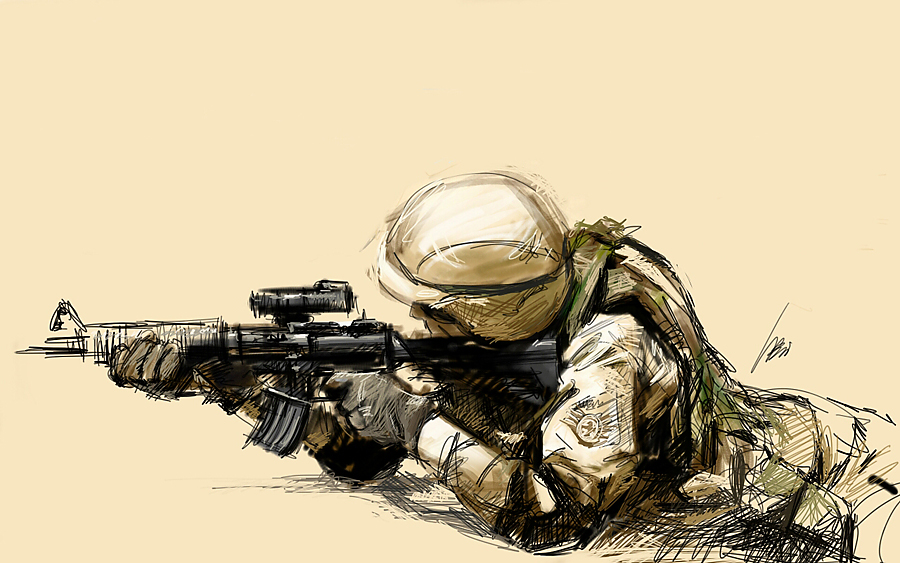
Sketch of Soldier with the Galaxy Note
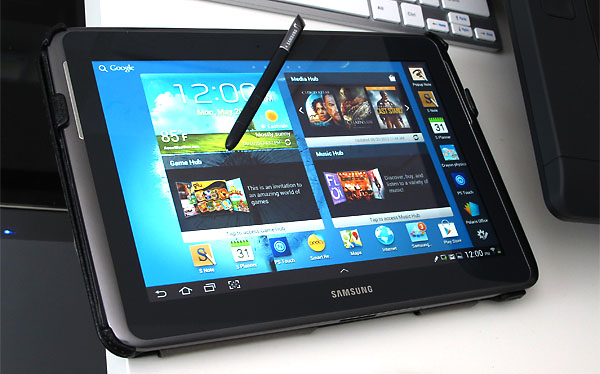
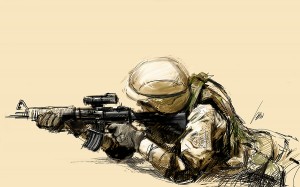 Finally had a chance to play around sketching on my new Samsung Galaxy Note 10.1. There are quite a few of free drawing and painting softwares for the Galaxy Note but I decided to purchase Autodesk’s Sketchbook Pro 6 for $5. The thing with free programs is that there’s usually a catch, either a trial version or some kind of ad placement. Anyhow, Sketchbook Pro has been around for awhile so it’s the natural choice in my opinion. Here’s a sketch on the Galaxy Note 10.1. Since it’s Memorial Day weekend, a soldier sketch seems appropriate.
Limited Range of Sensitivity with the Pen on the Galaxy Note 10.1
After getting some playtime, I’ve come to realize that Sketchbook Pro for tablets is a really simple program. That’s not necessarily a bad thing. Simplicity works well for mobile devices. First impressions is that the pen is just mildly sensitive on the tablet. I am use to the sensitivity levels offered by the Wacom Intous tablets and the Cintiqs. The pen on the Galaxy Note 10.1 is well below those. I find it difficult to achieve a wide range of pressures with the pen. In order to make lighter lines, I have to change the opacity levels. Just applying a softer touch on the tablet offers only a tiny range of difference. It stills works, just not impressive like the Cintiq. Then again, this is a $400 tablet computer compared to a Cintiq monitor for $2000. So comparing the Galaxy Note to the Cintiq is probably not a valid comparison.
Sketching is Fun on the Galaxy Note
Once I got over the limited pen sensitivity, I really enjoyed sketching on it. You find ways to adjust your workflow according to the hardware and software. I ended up just using the pen tool for solid lines and started sketching. It’s really fun. The lag is noticeable, but not a deal breaker. Screen size is small but workable. The screen resolution for sketching is sufficient. The fact that it is portable and you can have it up and running in a few seconds is incredibly convenient. I’m afraid that I might not pick up a pencil anymore for sketching.
I’ll have more reviews on the sketching and drawing on the Galaxy Note later as I play with it more. But these are just my initial thoughts.
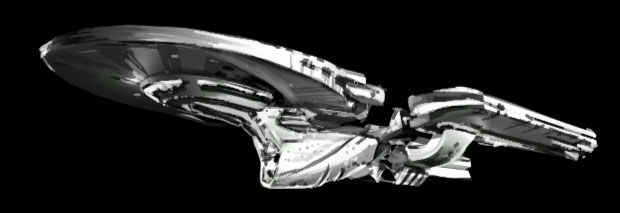
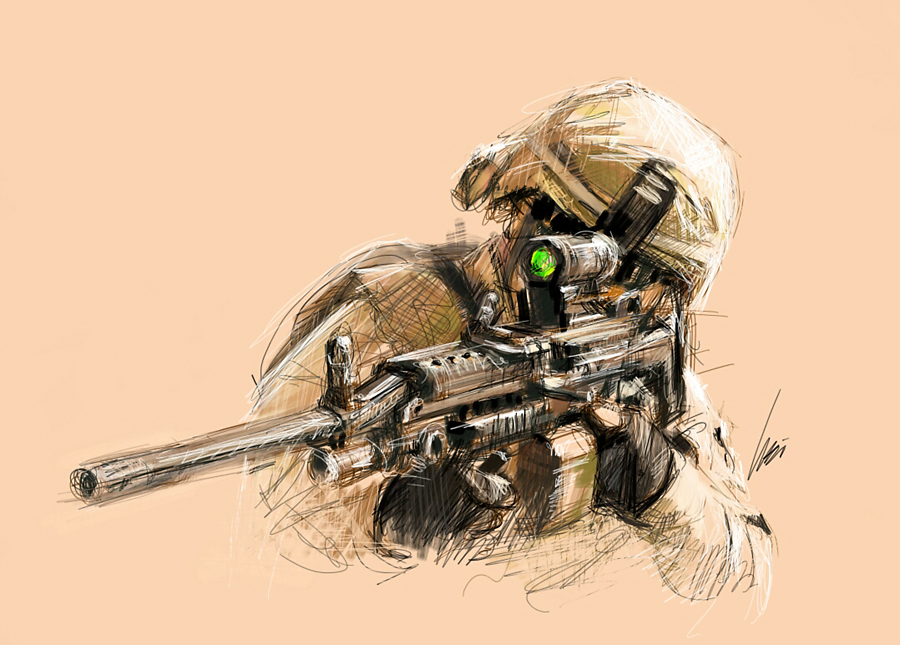 Here’s another sketch on the Galaxy Note 10.1 over the Memorial Day weekend. I’m getting more comfortable working with the S-Pen on the Galaxy Note. I’m also feeling the sensitivity more. It appears that you need to push down quite a bit to get the variations. Not nearly as good as Cintiq but it is feeling better the more I work with it.